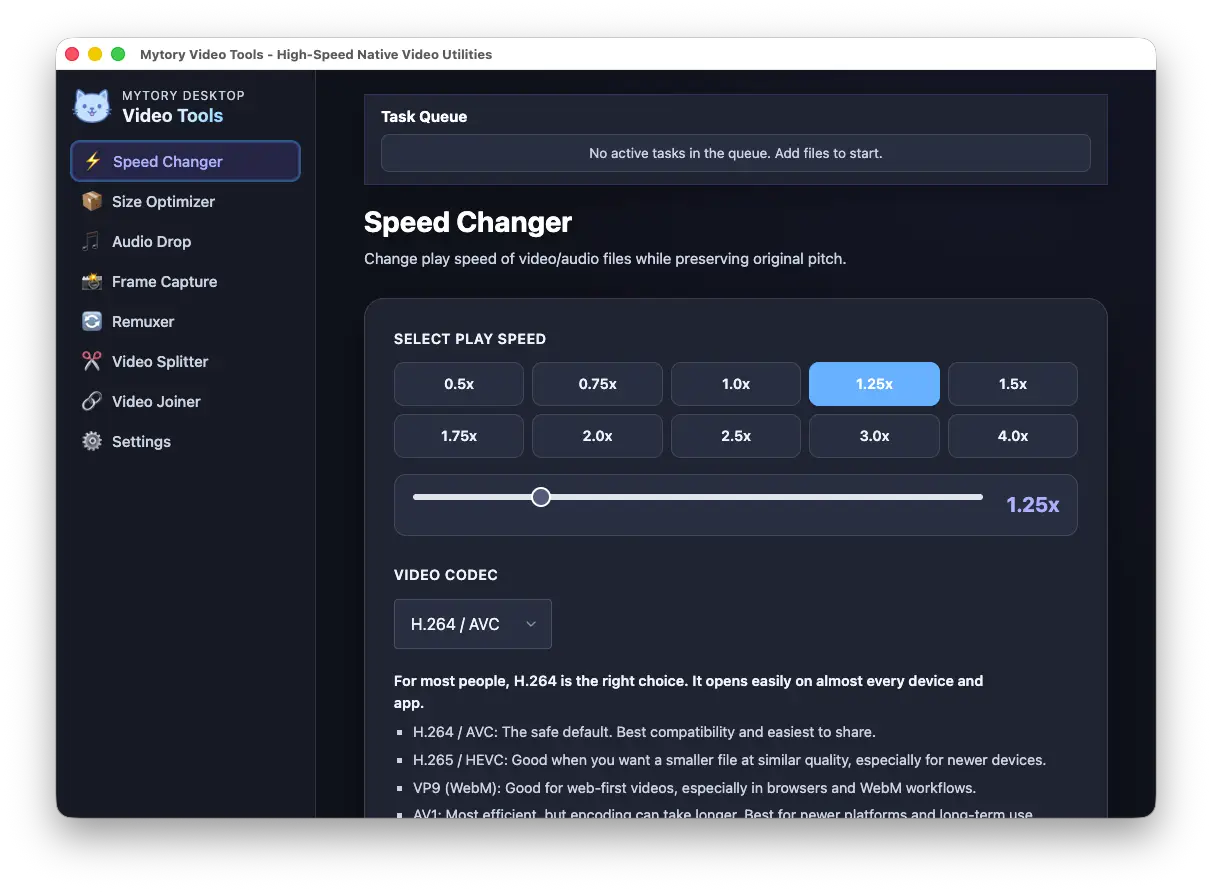
Speed Changer
Choose a preset or enter a speed from 0.5x to 4.0x with pitch preservation. Each queued file keeps its selected speed. Supports H.264, H.265, VP9, and AV1 with hardware acceleration.
Quick FFmpeg video jobs in a simple Electron desktop app. Trim, remux, compress, convert, and capture frames without the command line. Your files stay on your computer.
Powered by industry standards
Everyday video and audio tasks, from speed adjustment and compression to container remuxing and audio conversion. No subscription, no cloud uploads, no limits.
Choose a preset or enter a speed from 0.5x to 4.0x with pitch preservation. Each queued file keeps its selected speed. Supports H.264, H.265, VP9, and AV1 with hardware acceleration.
Compress video to a target file size with your choice of codec, quality, and hardware encoder. Shrink 4K footage for sharing in one click.
Capture single frames, extract at intervals, or detect scenes automatically with adjustable sensitivity. Choose a save folder or reset to the video's folder. Capture immediately while frame-rate analysis runs: filenames use milliseconds until analysis confirms a constant frame rate, then use frame precision for new captures. Variable-frame-rate videos keep millisecond filenames; times under one hour omit the hour field. Captured images retain their actual capture time in EXIF.
Move compatible streams between MP4, MKV, and MOV containers without re-encoding. Playback depends on whether the target container and player support each codec.
Extract audio tracks losslessly or convert to MP3, AAC, OGG, or WAV. Drag a video, get the audio.
Convert audio files in any format supported by FFmpeg to high-quality MP3. Choose between CBR and VBR encoding with sample rate control. Batch process multiple files.
Join multiple videos with automatic compatibility handling. Drag to reorder, check compatibility at a glance, and join in one click. Handles differing frame rates with smart re-encoding.
Cut a segment without re-encoding, but exact cut times are not guaranteed; the start point is especially affected by keyframe placement. Ideal for quickly trimming highlights or preparing clips for assembly.
Learn what fast, no-re-encode workflows can do and where container or keyframe limits apply.
Understand keyframe boundaries, trade-offs, and how to make a quick lossless cut.
Change containers without transcoding, and check codec compatibility before sharing.
No knobs to tweak. Mytory Video Tools picks sensible defaults for every task — from hardware encoder selection to output quality — so you get great results without digging through menus. Apple Silicon, NVIDIA, Intel, AMD — it just works.
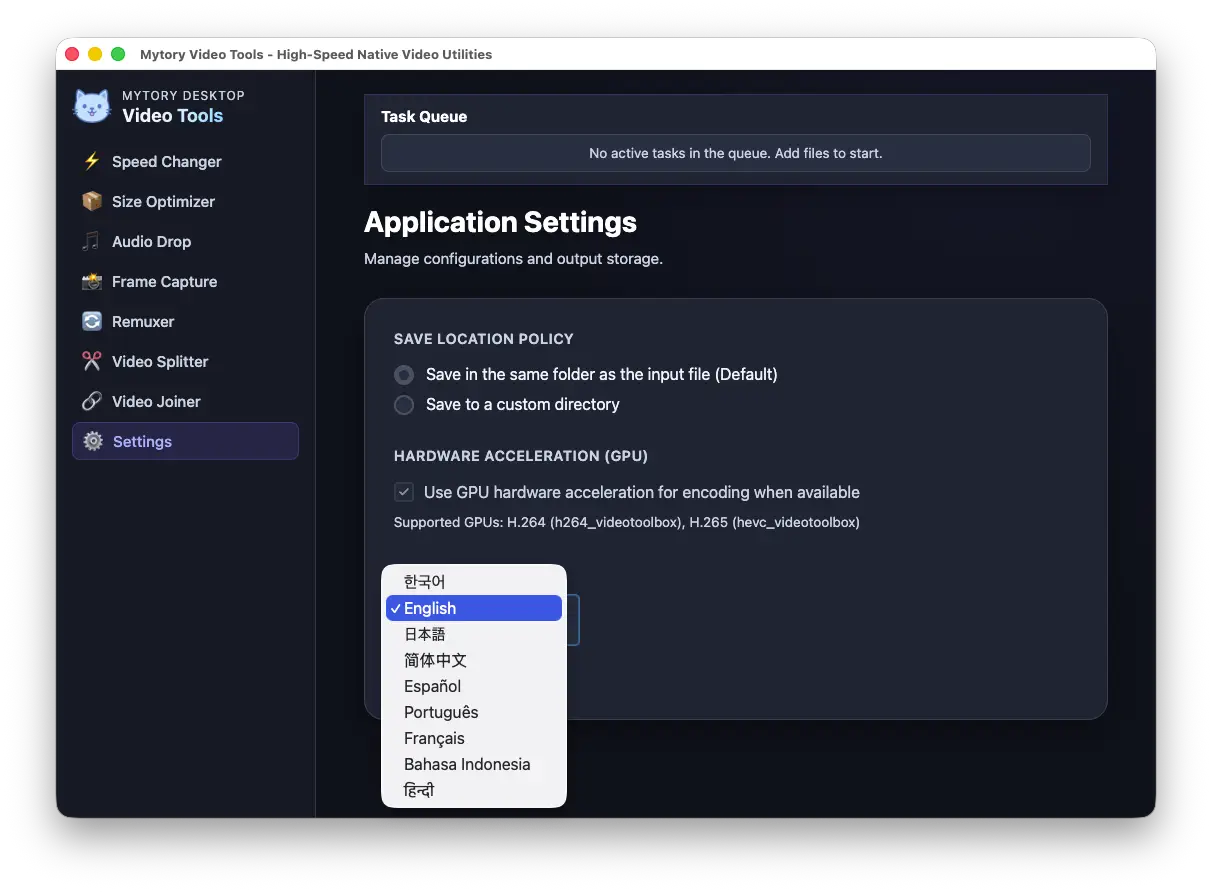
The entire interface is translated. Switch languages on the fly from the sidebar. No restart required.
Free and open source. No account required. No data leaves your machine.
Good video tools exist. But finding one that is optimized for the quick, adjacent tasks — cutting without re-encoding, changing speed while preserving voice pitch, instantly extracting audio, switching containers in a click, capturing frames frame-by-frame — is surprisingly hard.
Mytory Video Tools was built to scratch that itch. It is not another video editor. It is a swiss-army knife for the moments between edits: when you need to split a clip, join segments, extract a soundtrack, or convert a format, and you want it done now, without a command line.
No cloud uploads, no accounts, no subscriptions. Just an Electron desktop app with FFmpeg under the hood and a clean interface that stays out of your way. Quick cuts and remuxes avoid re-encoding when the file format allows it; other tasks use sensible defaults for quality and hardware acceleration.
Licensed under GPL-3.0. Built with Electron, FFmpeg, and a lot of trial and error. Contributions, issues, and feature requests are welcome on GitHub.
View on GitHub